From Screen to Door: How a Cricut Project Comes Together
A plain-English walkthrough of how Cricut turns a design on your laptop into a finished decal, shirt or mug — the app, the materials, the machines and the presses.
This article contains affiliate links. We may earn a commission if you buy through them, at no extra cost to you.
The app is where the project starts
People see a Cricut machine on a kitchen table and assume something complicated is happening. It is not. The process has a handful of stages, and the first one happens entirely on a screen.
Design Space is Cricut’s software, and the app is free to download. You lay out your idea there — a name for a bedroom door, a logo for a tote, a card for someone’s birthday — and that design is what the machine goes on to make. If starting from a blank canvas feels daunting, Cricut Access is a paid in-app subscription that opens a library of premium-quality content, so you can start from a ready-made design instead of drawing one yourself.
That is the first stage done. Nothing has been cut yet. Everything that follows is the physical version of what you already arranged on screen.
Choosing the material, then letting the machine work
Next comes deciding what the design will be made of. Cricut groups its materials plainly: vinyl, iron-on (also called HTV), paper and cards, printables and stickers, Infusible Ink, Smart Materials, foil transfer sheets, and specialty and Maker-only materials for less obvious jobs. There are value materials and online exclusives as well.
Then the machine does its part. Cricut describes its cutting machines as machines that precision-cut, write, draw and more. Alongside blades and tools, the shop lists machine mats, pens and markers, QuickSwap tools and replacement parts, so the same body of hardware handles different kinds of work. Cricut Maker 5 cuts 300+ materials and works with 13 tools, which is how one machine can also engrave metal and deboss leather.
Pick the material, set the design going, and the machine follows the file.
Finishing by hand, then adding heat
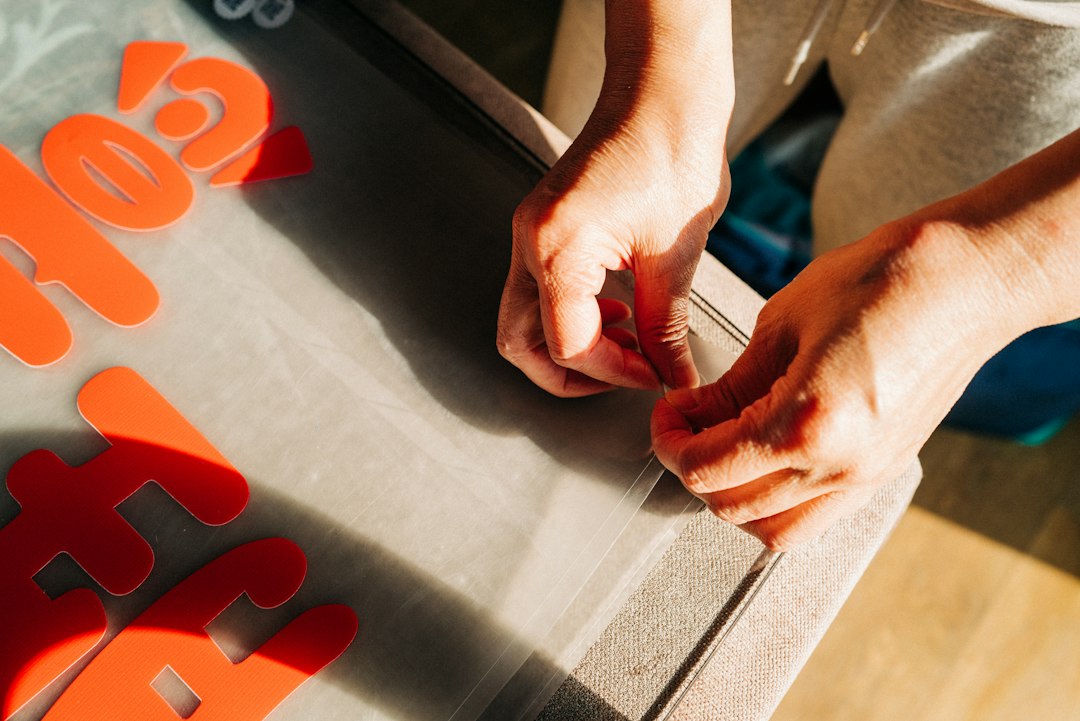
Once the machine stops, the rest is hands-on. Cricut sells hand tools for this part of the job — crafting tools, sewing tools and tool sets — along with transfer tape, heat-resistant tape, self-healing mats and storage to keep it all in one place.
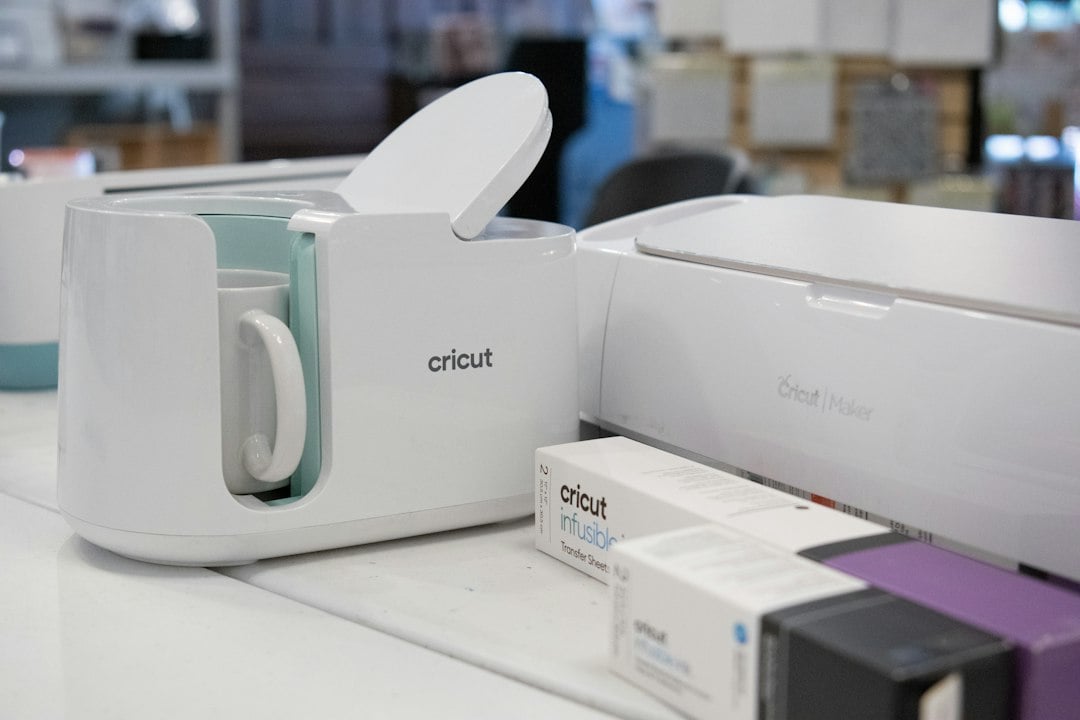
Projects made with iron-on need heat. An EasyPress applies it: the 9 x 9 is the standard size and the 12 x 10 is the large handheld, while the EasyPress Mini, Mini 6 x 3 and Mini LT are compact handhelds for smaller work. Autopress models in 12 x 12 and 15 x 15 are automatic for hands-free pressing, with the 15 x 15 described as commercial-style output with home-friendly operation. The Mug Press makes personalised mugs, and there is a Hat Press too. Cricut’s Heat Guide tells you the settings to use.
Picking the machine that fits your table
The cutting range is built around space and ambition. Cricut Joy is ultra-compact for quick, everyday projects. Joy Xtra is compact with full-size possibilities, for projects like full-colour stickers, custom cards and T-shirts. Explore is a 12-inch machine that makes in multiples — handy when you need twenty of something rather than one. Maker is the ultimate machine for maximum versatility. Venture is wide-format and built for professional work.
If stickers are the main draw, the StickerPix machines sit in their own category: StickerPix Print is an all-in-one sticker and photo printer, and StickerPix Print + Cut is an all-in-one printer and cutter. Refills are sold separately.
Not sure which to choose? The Cutting Machine Quiz finds your match in under two minutes, and a compare tool lets you read the machines side by side.
Why this weekend is the one to start
Everything above is a repeatable loop: design it in the app, choose a material, cut, finish by hand, press if it needs heat. Run it once and the mystery goes. Run it twice and you stop checking the instructions.
The timing works in your favour. There is 20% off vinyl, 20% off paper and cards, and 20% off printable stickers, with a flash sale running 3 for 2 on clearance. Delivery is free over €50, which a machine plus a starter pile of material will clear. Every machine has a limited warranty, with the documents published per product and region, and Cricut lists a contact number and chat if you get stuck.
Take the quiz, add the materials while the sale is on, and the first decal can be on the fridge by the weekend.
Articles on Read Vault are researched and written by the site’s editorial team.